There’s a strange, bougie scent in the air. It smells like high-end modular furniture, fine leather, and the vague aroma of eugenol. That’s right – it’s the company’s 100th anniversary, here in Leica Land, where a digital rangefinder costs more than an operatory chair, and yet somehow, can’t even help identify dental decay.
Strap on the laughing gas, because we’re about to dig into an elite camera company’s favorite stereotype:
“Only rich dentists shoot with Leicas.”
But here’s the paradox no one talks about: the Leica M11 is completely useless inside an actual mouth. Let that sink in. A $9,000+ camera that can capture the soul of a Parisian alley at dusk… but couldn’t diagnose a fractured molar if its red dot depended on it.
The Red Dot of Irony 🔴
Ah, Leica. The brand that makes grown humans weep with joy over manual focus rings and brass top plates. The M11 is their crown jewel:
- 60MP BSI CMOS Sensor
- ISO range wide enough to photograph your regrets
- And a shutter sound that’s smoother than a freshly polished zirconia crown
But let’s get one thing straight: the Leica M11 is not an intraoral camera. It’s a pricey piece of dental cosplay gear – perfect for the dentist who wants to look like they know photography while they’re in between hygiene checks, but who’s still using a cheapie USB scope to document someone’s smile transformation.
Let’s compare:
| Feature | Leica M11 | Actual Intraoral Camera |
|---|---|---|
| Autofocus | Manual only. Good luck. | Yes, like a normal person. |
| Ergonomics for tight spaces | Brick with a strap | Designed for mouths |
| Lighting | Bring your own flash, dentist bro | Built-in LED lighting |
| Usable in dentistry | LOL | Yes |
“But It’s for the Experience!” – Every Leica Owner, Defensively
Leica owners swear it’s not about specs – it’s about soulful craftsmanship. Right. And dentists don’t care about teeth and their patients’ health – they just crave the existential thrill of the thought that any moment, those sharp canines and incisors will snap shut on their fingers. But go off, Dr. Moneybags. Slap a Summilux 50mm on that beast and try to explain to your patient why you need 60 megapixels of their uvula.
There’s a strange prestige economy among certain dentists that are part of the “egosystem” – if you can’t flex on your peers at a CE conference, what’s even the point of doing restorative dentistry? And nothing says, “I’ve moved past Nikon peasantry,” like wearing a Leica around your neck that hasn’t taken a single clinical shot.
Memo to Leica: Deny the Dentist – We Dare You
You know what’s worse than being the punchline? Desperately trying to look above it while still cashing in. Leica, we see you. Sitting pretty on your walnut display boxes, polishing brass knobs while pretending you’re too dignified to acknowledge that your M11 is the camera of choice for the Clinically Bored™.
You’ve never corrected the meme. Never addressed the elephant in the operatory. You’ve said nothing – because deep down, you like that people believe your rangefinders are purchased in bulk by dental practitioners who needed a tax write-off after buying a Cybertruck.
Let’s call it what it is: Leica doesn’t mind being the Rolex of cameras, even if it means being synonymous with nitrous oxide and Fridays off. They’ve embraced the aesthetic of minimalist elegance, hand-crafted precision… and thinly veiled financial overcompensation. And the US tariffs this year are not an obstacle – they simply add one more level of exclusivity. Happy 100th to you, too, old sport.
You could have released an affordable, beginner-friendly model for struggling photojournalists. You could have doubled down on legacy users, street photographers, and war correspondents.
But no – you released the Leica M11-P (Practitioner) with a sapphire screen and 256 GB internal memory, like a camera version of a platinum dental grill. And let’s not even talk about the black paint edition. You don’t fight the dentist stereotype, Leica, because you’re secretly flattered by it. And that’s the saddest part of all.
Final Thoughts: Come for the Myth, Stay for the Copium
So here’s to the Leica M11: a camera of unmatched engineering, wielded by a person who just permanently seated your new dental crown and now wants to show you a “soft” (slightly blurry) slideshow from their vacation in Milan – shot wide open at f/1.4, obviously. Let the myth live on, because Leica certainly isn’t killing it. In fact, they’re minting it. Every time a new model drops, another dentist gets their wings (and a new leather strap).
No shame in owning an M11 – unless you’re actively trying not to look like a dentist with a midlife crisis in JPEG format, because apparently RAW only exists when necrotizing gingivitis is present. Either way, congrats on reaching the final form of dentistcore.






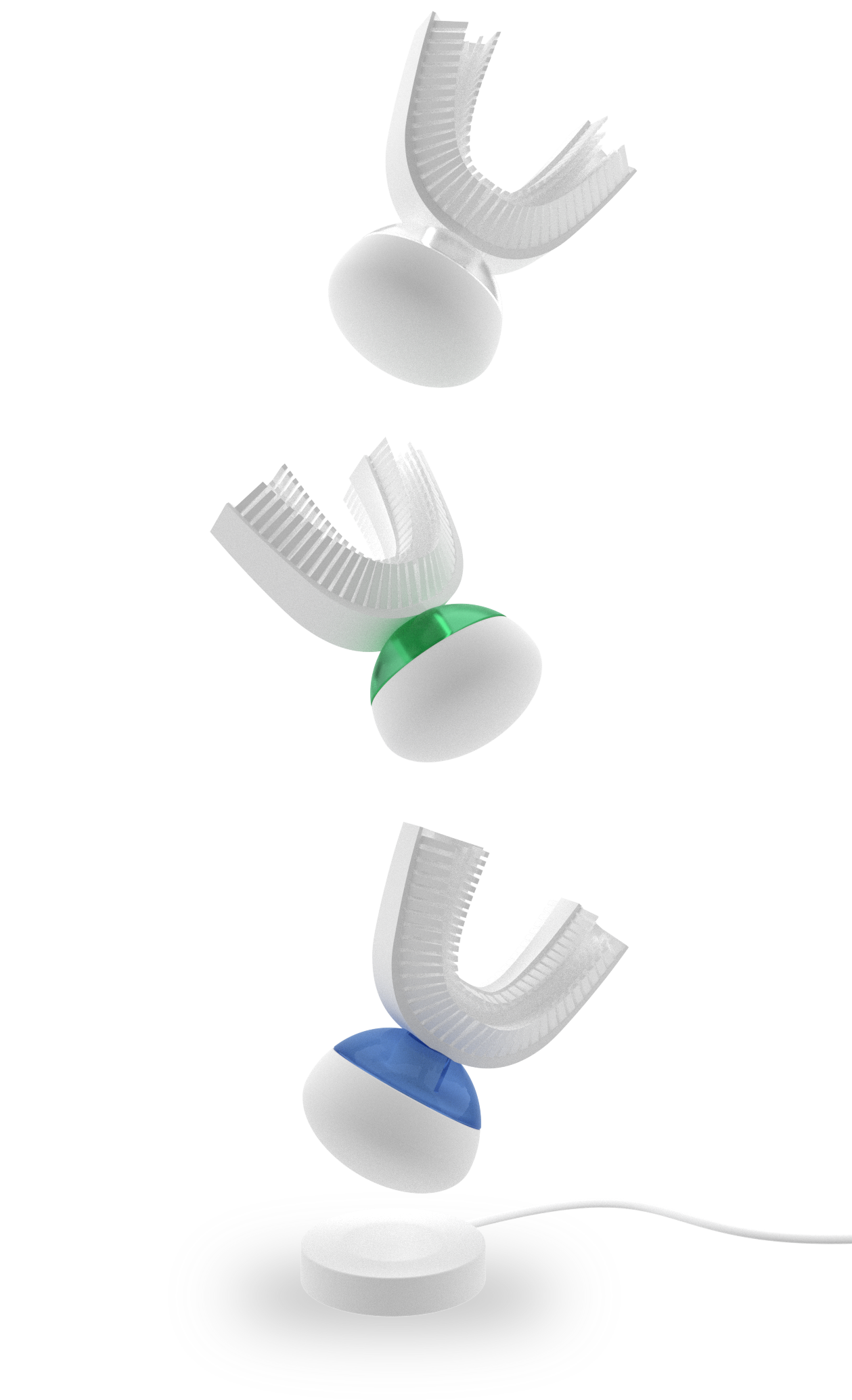
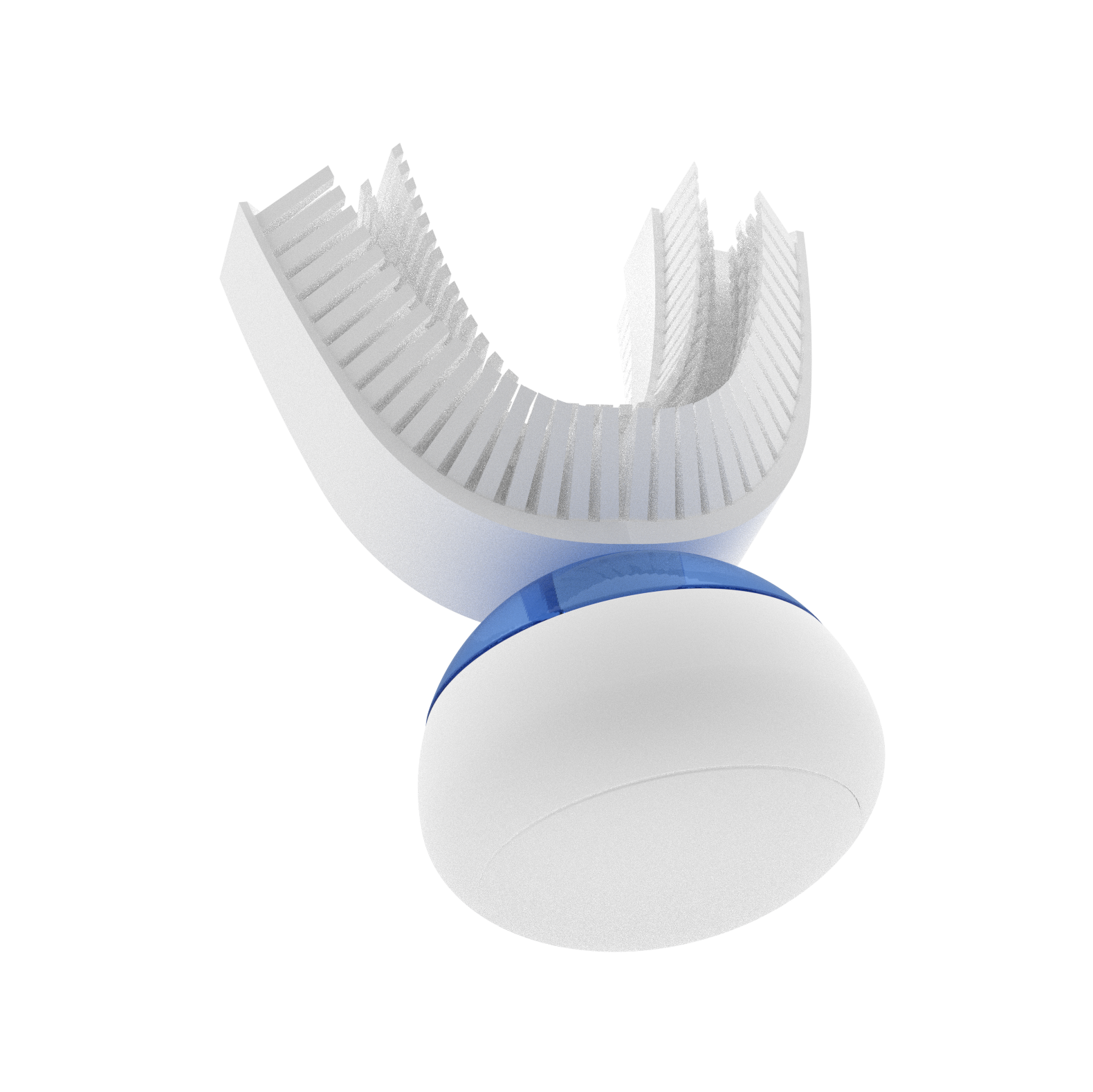
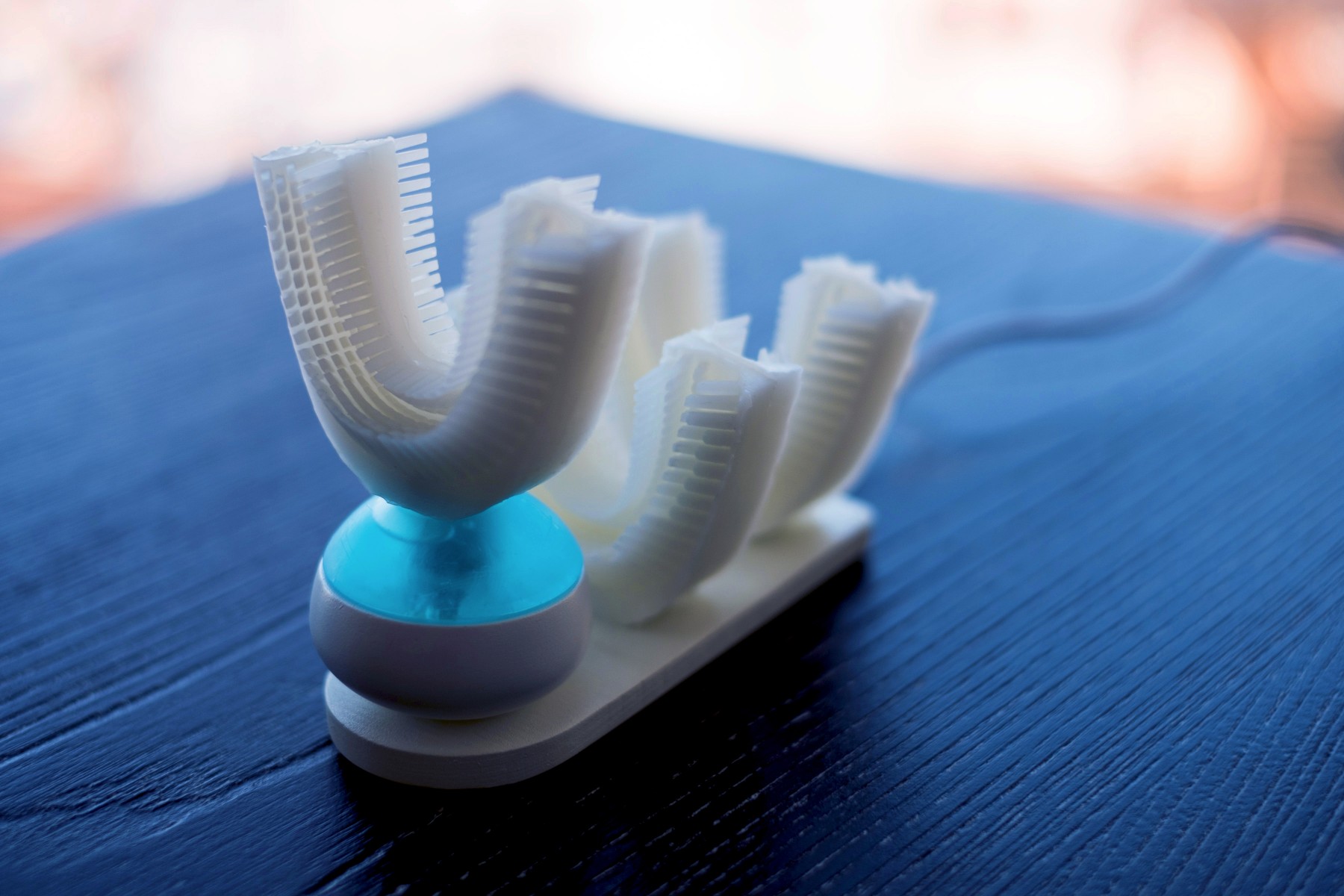


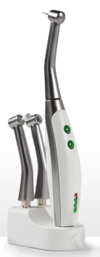 You’d better pre-order soon, though. As soon as the FDA and other authorities get wind of this there will be an immediate shutdown of all shipments. You know how good our government is at shutdowns. Product is supposed to begin its journey to the US tomorrow if it all goes as planned, however.